
Change password
What this is
Change the password on your account when you're signed in and know your current one. Find it at My Account → Change Password (https://vpsdime.com/changepassword).
Steps
- Go to My Account → Change Password.
- Enter your current password, then your new password twice.
- Click Save Changes.
What you'll see
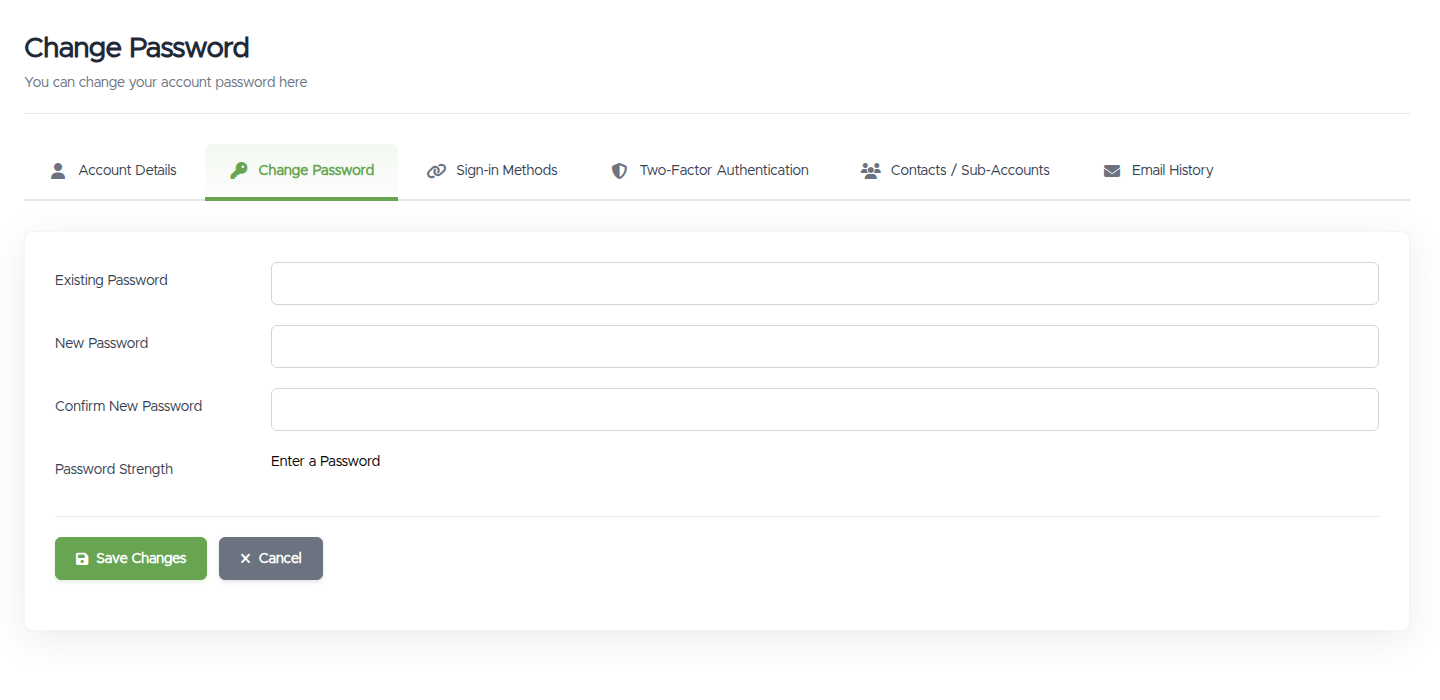
- Three fields (Existing Password, New Password, Confirm New Password) and a password-strength indicator. Choose something strong; very weak passwords are rejected.
Things worth knowing
- This page needs your current password. If you've forgotten it, use the Forgot password? link on the sign-in page instead. See Reset a forgotten password.
- If you signed up with Google or GitHub and never set a password, you won't have a current one to enter. Set one from Sign-in Methods (the Set a Password option). You'll be sent there automatically if you land on this page without a password.
- Changing your password signs you out on your other devices. You stay signed in here; anywhere else will need the new password next time.
Troubleshooting
- "Existing password incorrect." Re-enter your current password carefully. If you can't recall it, reset it from the sign-in page's Forgot password? link. See Reset a forgotten password.
- My new password is rejected. Pick a stronger one: longer, with a mix of characters.
- There's no current password to enter (I use Google/GitHub). Go to Sign-in Methods and use Set a Password instead.
Still need help?
You can open a support ticket. So we can help on the first reply, it's worth mentioning:
- the email address on your account,
- whether it's your current or new password being rejected,
- a screenshot of the error.
Never put your password in a ticket. We don't need it and will never ask for it.
Related questions
- "How do I change my password?"
- "It says my existing password is incorrect."
- "I signed up with Google, how do I set a password?"
- "How do I reset a password I've forgotten?"