
Email history
What this is
A record of the emails we've sent to your account: order/welcome emails, invoices and billing reminders, renewal and service notices, and so on. Even if one didn't reach your inbox, you can read it here. Find it at My Account → Email History (https://vpsdime.com/emailhistory).
Steps
- Go to My Account → Email History.
- Browse the list (newest first; use the column headers to sort by Date Sent or Message Subject, and the pager for older pages).
- Click View Message on any row to read the full email.
What you'll see
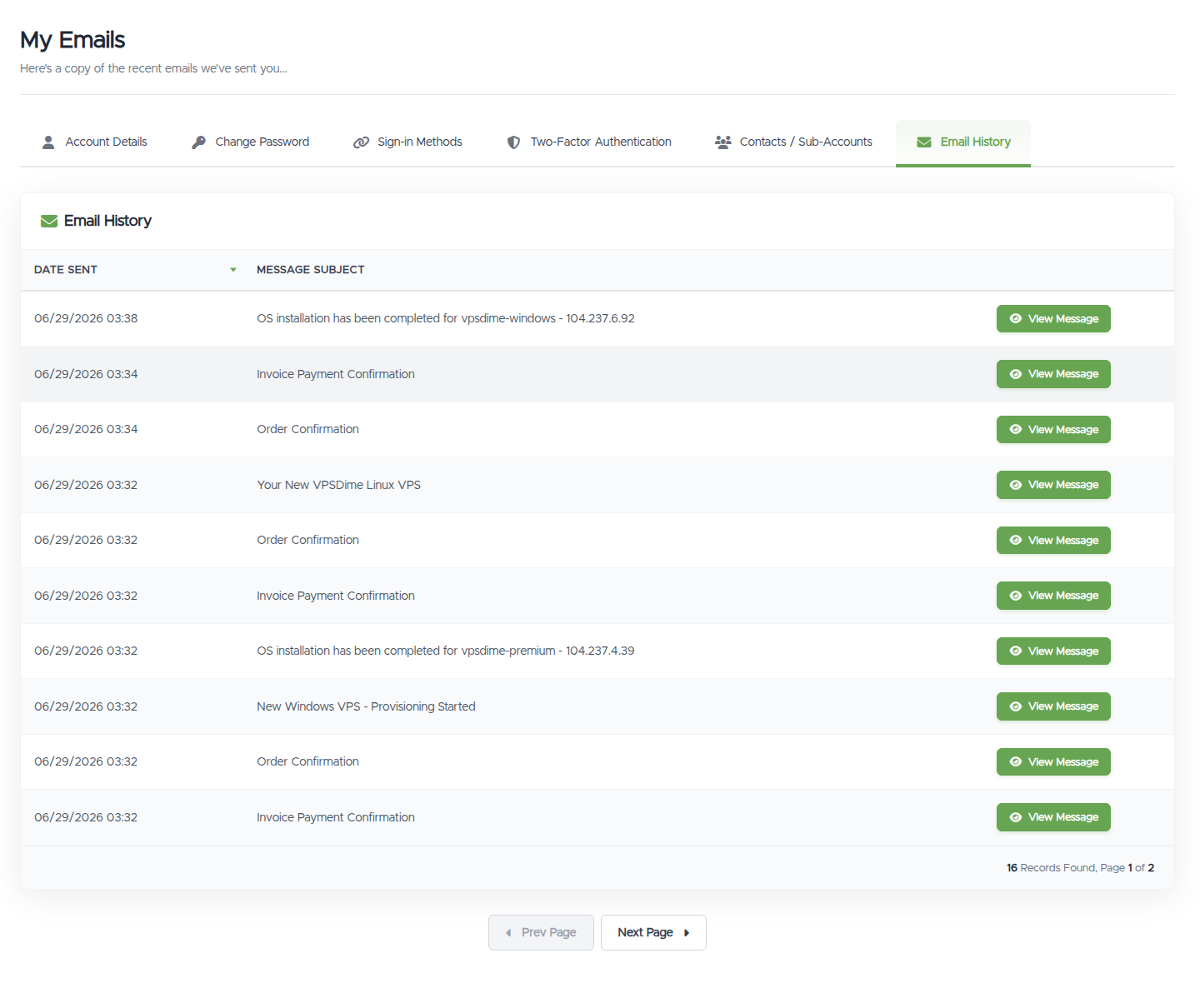
- A table of Date Sent and Message Subject, with a View Message button that opens the email in a popup.
- A count of how many emails are on record, with page navigation.
Things worth knowing
- This is a log of what we sent. It's handy if you didn't receive something in your own inbox (also check your spam folder).
- It's a read-only history; there's no "resend" here. If you need a copy actioned (for example a fresh invoice), ask us via a ticket.
- Want to change which emails you receive? Marketing emails are controlled on Account Details; per-person email types are set under Contacts & sub-accounts.
Troubleshooting
- An email isn't in my inbox. Open it here to read it, and check your spam/junk folder. If important emails consistently don't arrive, contact us so we can check delivery to your address.
- The list is empty. We haven't sent anything to this account yet, or you're viewing a sub-account without the View Emails permission.
Still need help?
You can open a support ticket. So we can help on the first reply, it's worth mentioning:
- the email address on your account,
- the subject and date of the email you're asking about,
- a screenshot of what you're seeing.
Related questions
- "Where can I see the emails you sent me?"
- "I didn't get your email, can I read it somewhere?"
- "How do I view a past invoice email?"
- "Why is my email history empty?"